Shortcuts, Siri and Spotlight
Categories:
RsyncUI adds two actions to the Shortcuts app. They also work from Siri and Spotlight, without opening the RsyncUI window, and RsyncUI quits by itself when the action is done.
| Action | What it does |
|---|---|
| Estimate Tasks | A dry run of a profile, or of selected tasks. Reports files to transfer, size and files to delete. Changes nothing, and works for every task. |
| Synchronize Tasks | Estimates first, then synchronizes the tasks that have changes, following each task’s own --delete setting. Writes log records like a run in RsyncUI. |
Synchronize Tasks only runs tasks that are allowed in Shortcuts (see Verify and allow a task). Before synchronizing, it also stops when:
- the source folder of a task with
--deleteis missing or empty, for example a disconnected drive - Confirm execute is turned on in Settings and the estimate needs confirmation
- the estimate shows more deletions than the optional Maximum Deletions in the shortcut
- RsyncUI is already running a task
The actions, messages and Siri phrases are available in English, Simplified Chinese and Traditional Chinese. Example Siri phrases: “Estimate Documents in RsyncUI” and “Synchronize Documents with RsyncUI”, where Documents is a profile name.
RsyncUI actions in Shortcuts
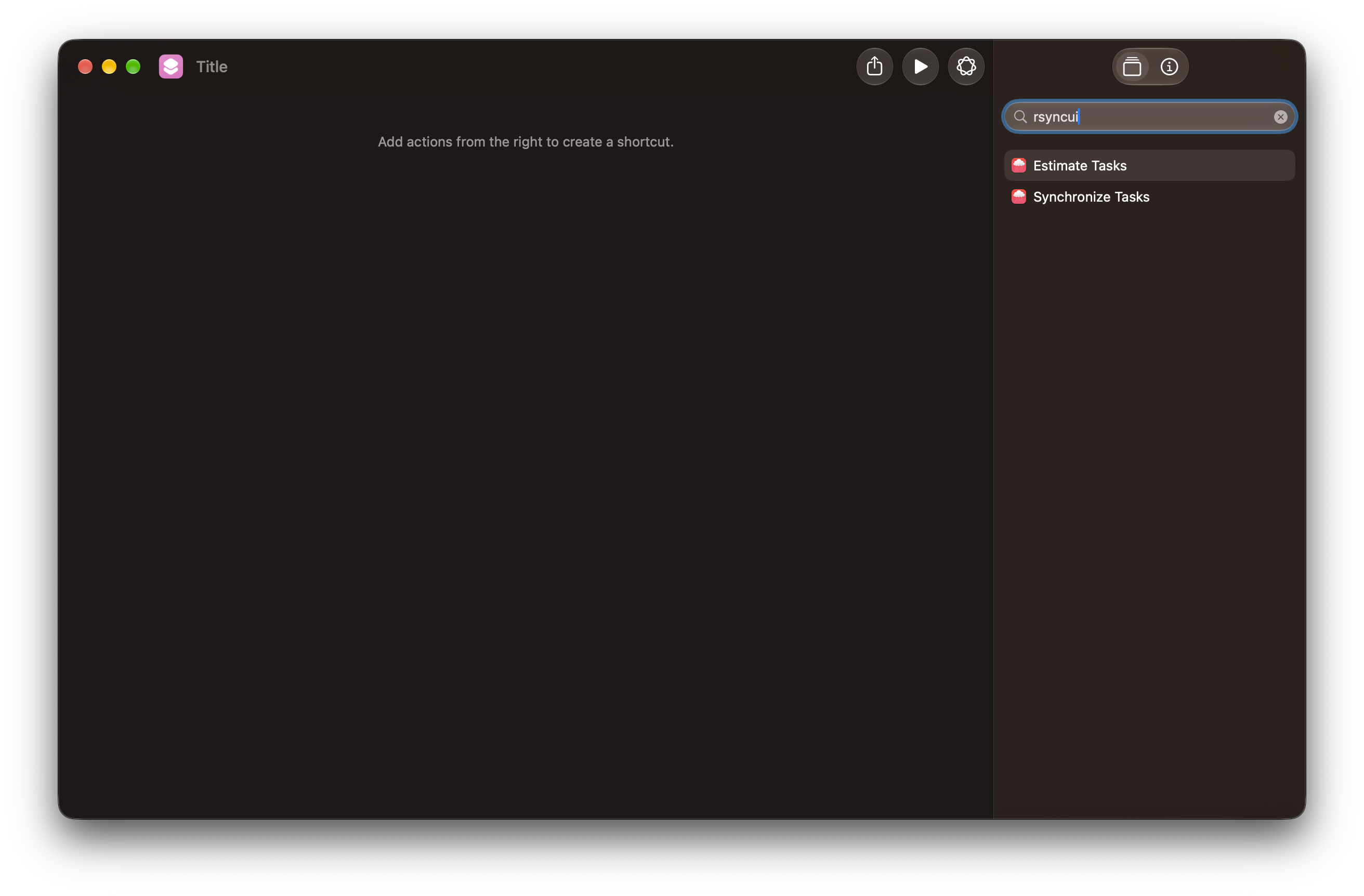
In the Shortcuts app, search for rsyncui to find the two RsyncUI actions: Estimate Tasks and Synchronize Tasks.
Create a Synchronize Tasks shortcut
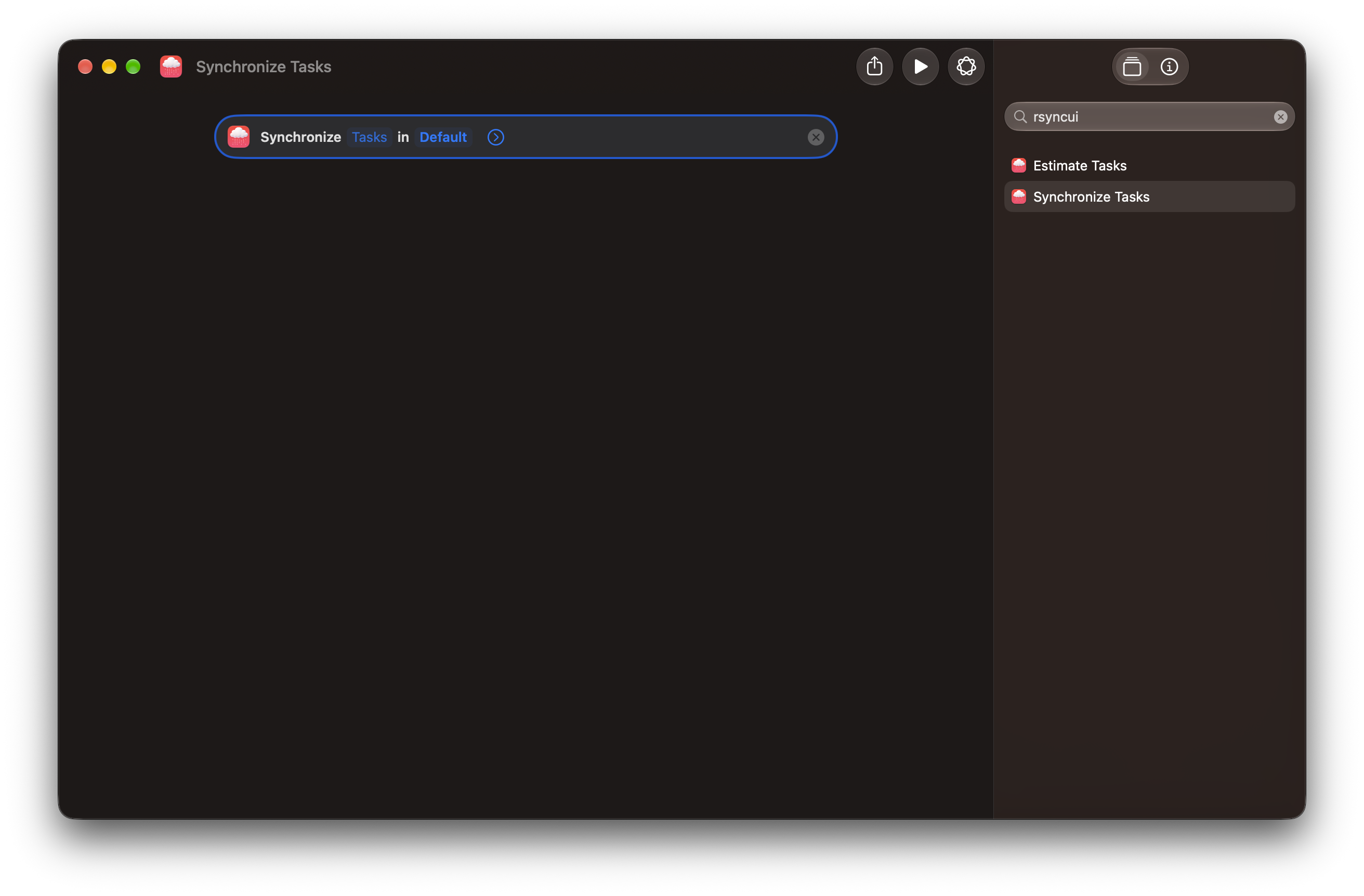
Adding Synchronize Tasks creates the action Synchronize Tasks in Default. Choose the profile, and optionally the tasks (leave empty for all tasks in the profile). The expand arrow shows more options, such as Maximum Deletions.
The shortcut in the library
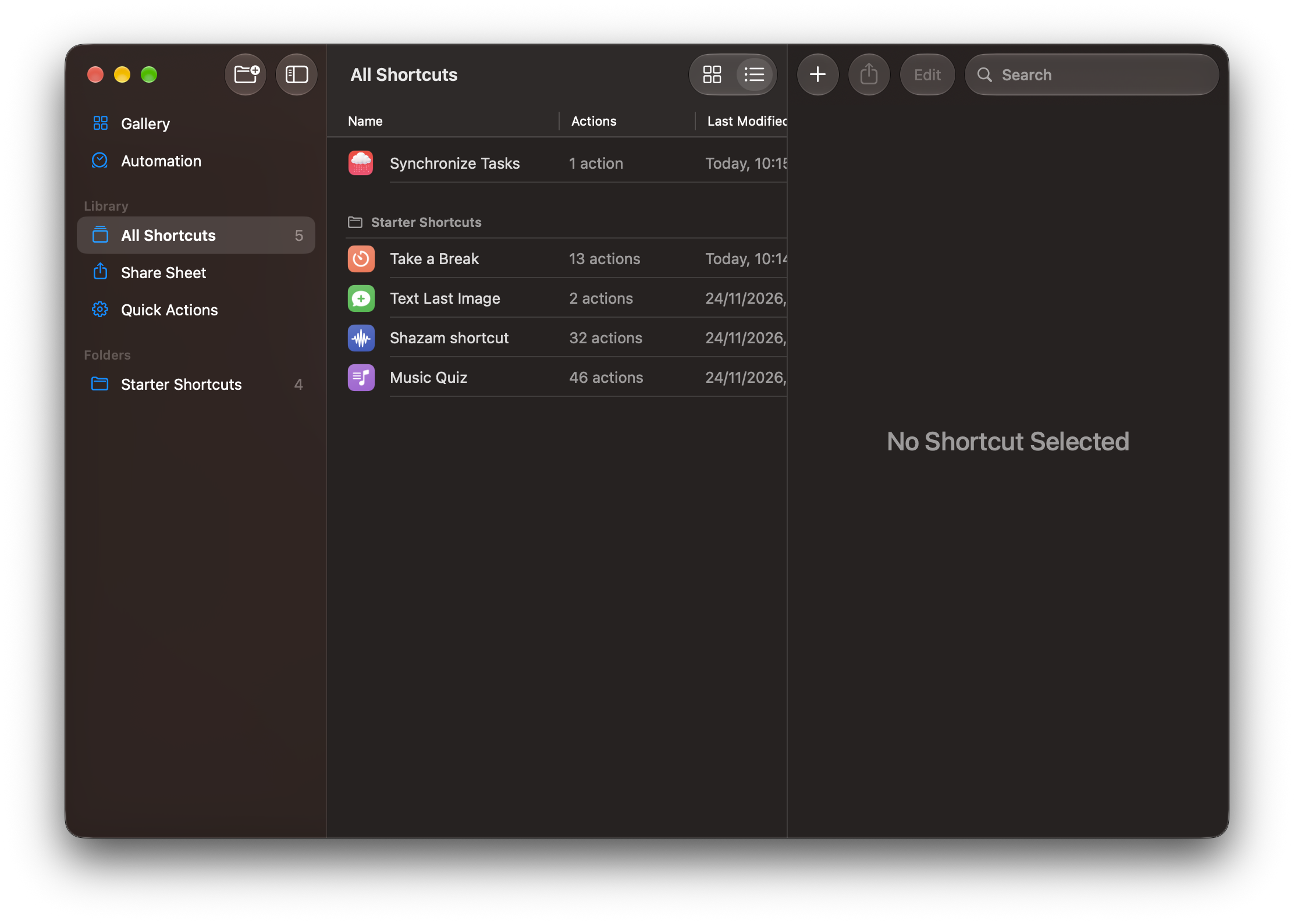
The new shortcut appears under All Shortcuts and can be run from the Shortcuts app, Siri or Spotlight.
Tasks not allowed
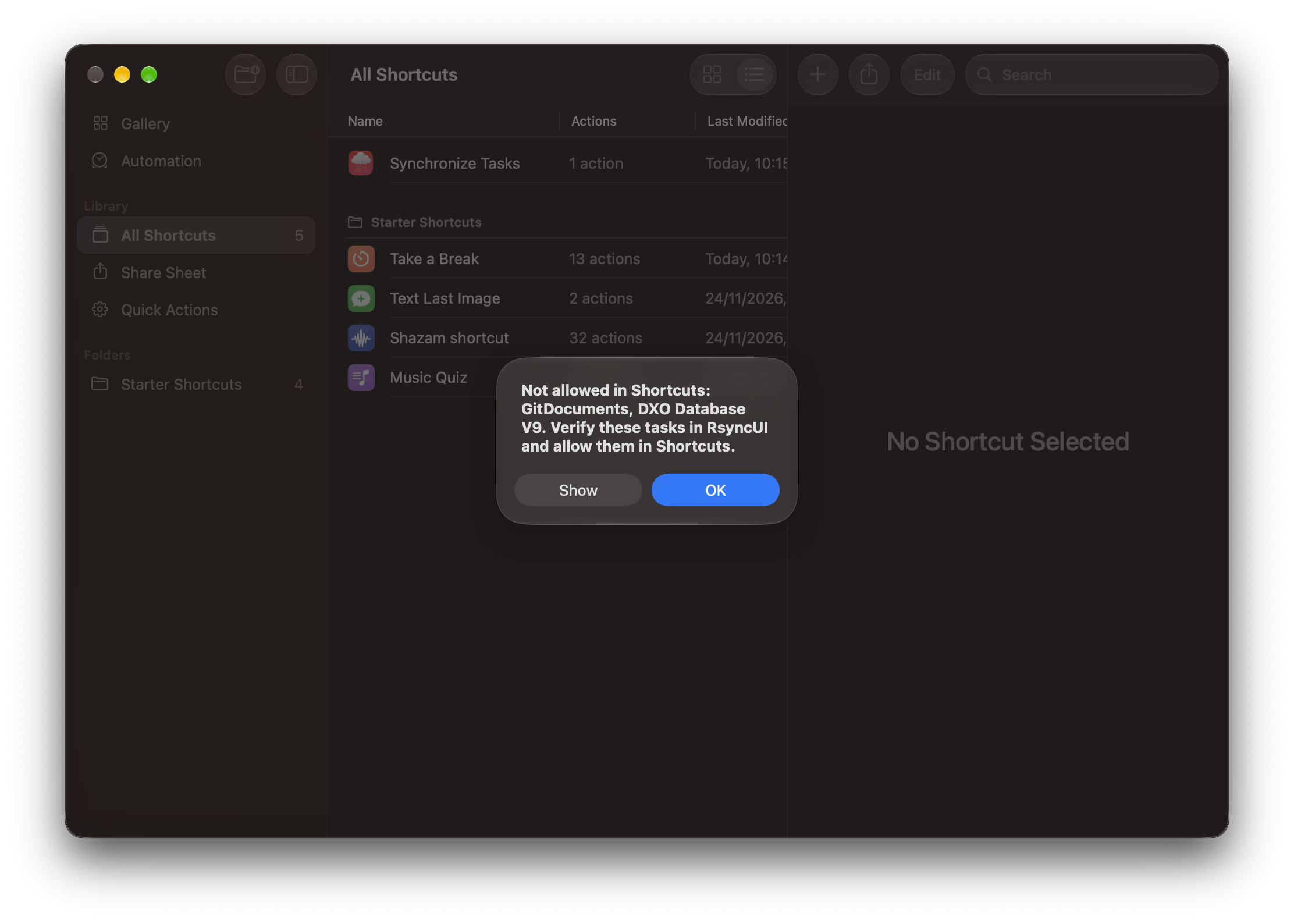
Running the shortcut while only GitHub backup is allowed stops with a message listing the tasks that are not allowed (GitDocuments and DXO Database V9), asking you to verify them in RsyncUI and allow them in Shortcuts.
All tasks allowed
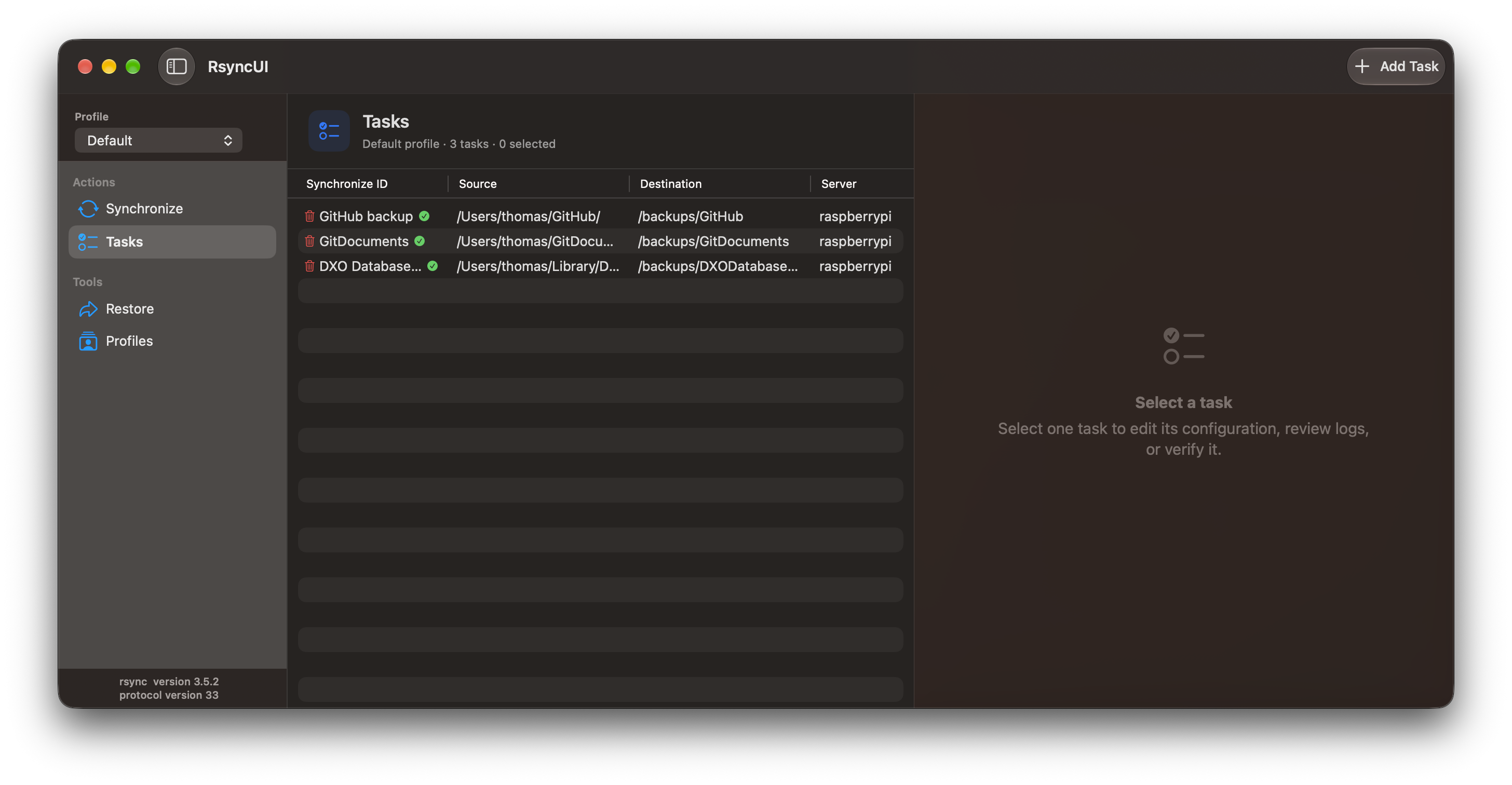
After verifying and allowing the remaining tasks, every task in the list has a green checkmark. With no task selected, the inspector says Select a task.
Feedback
Was this page helpful?
Glad to hear it! Please tell us how we can can improve.
Sorry to hear that. Please tell us how we can can improve.