Update tasks
Categories:
To update a task, select it and press the update button to write changes to storage.
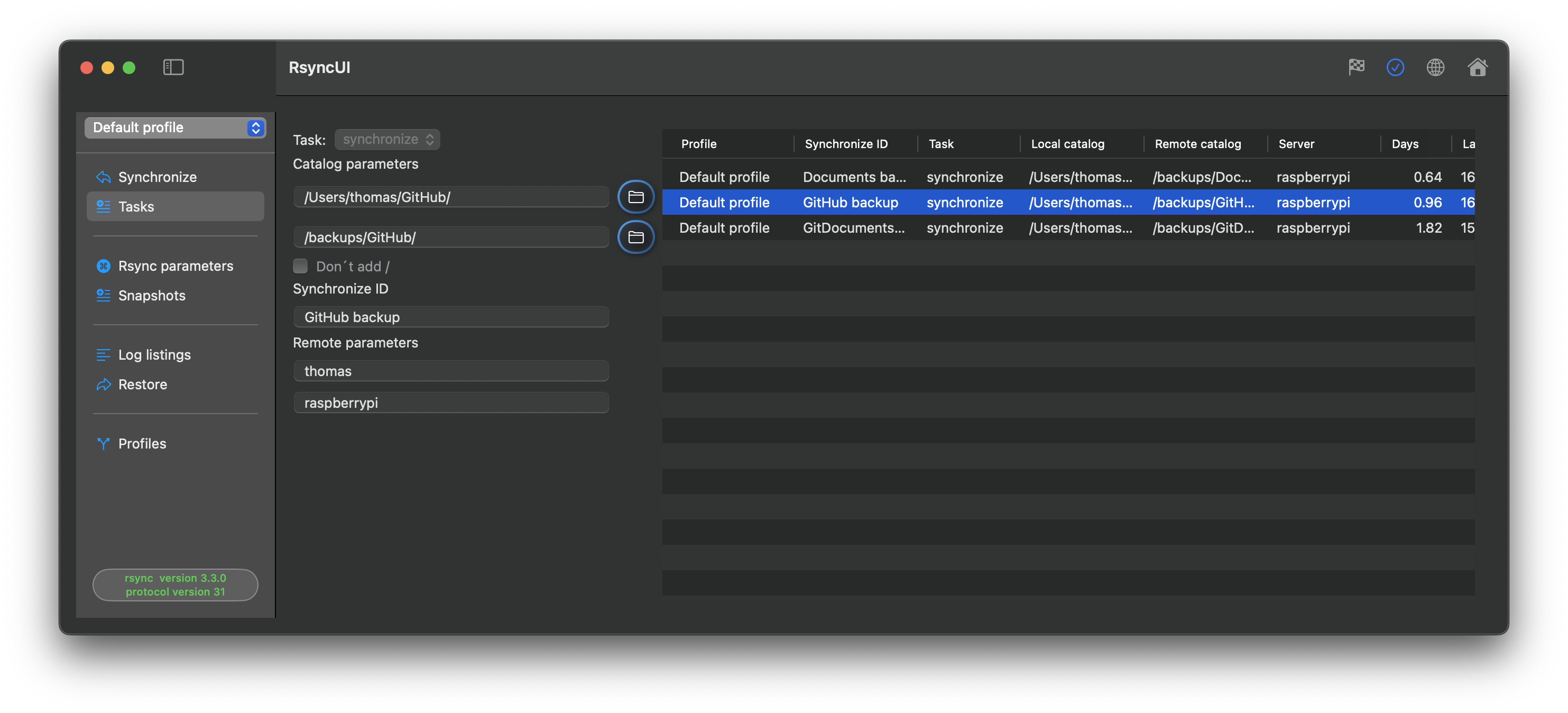
Editing a task
Select the task in the task list. The Inspector opens on the right with tabs for Edit, Parameters, Log Records, and Verify Task. Make your changes in the relevant tab, then press the update button to save.
After changing any task parameter, always verify the task with a --dry-run before executing it. Select “Verify tasks” from the primary Sidebar menu.
Halting and releasing tasks
Right-click a task and select Halt to temporarily disable it. A halted task shows a red stop sign in the action column and is excluded from estimates and execution. Right-click again and select Release to restore it; the task resumes with its original type.
Feedback
Was this page helpful?
Glad to hear it! Please tell us how we can improve.
Sorry to hear that. Please tell us how we can improve.