Synchronize data
Categories:
The Synchronize view runs all or selected tasks in a single operation via shortcut actions or toolbar functions.
For a single task, the first double-click initiates a --dry-run estimate; a second double-click executes the actual run.
Shortcut actions within the Synchronize view:
- estimate - shortcut
⌘Eestimates all or selected tasks - synchronize - shortcut
⌘Rsynchronizes all or selected tasks without estimation- no progress bar during synchronization; a progress bar requires estimation first
- abort - shortcut
⌘Kaborts and halts any ongoing task
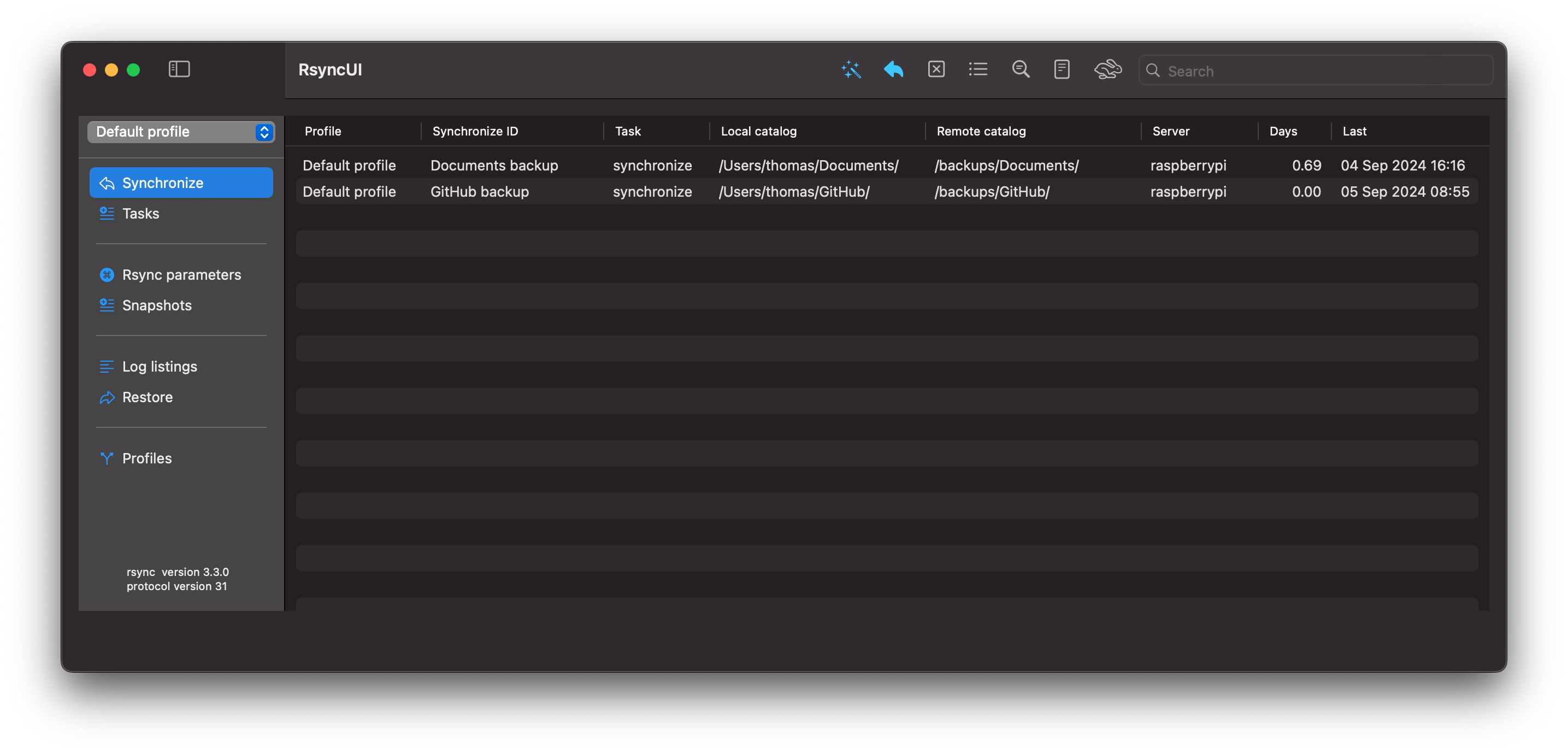
RsyncUI opens the Synchronize view at launch. Click the wand and stars (shortcut ⌘E) on the toolbar to estimate all tasks.
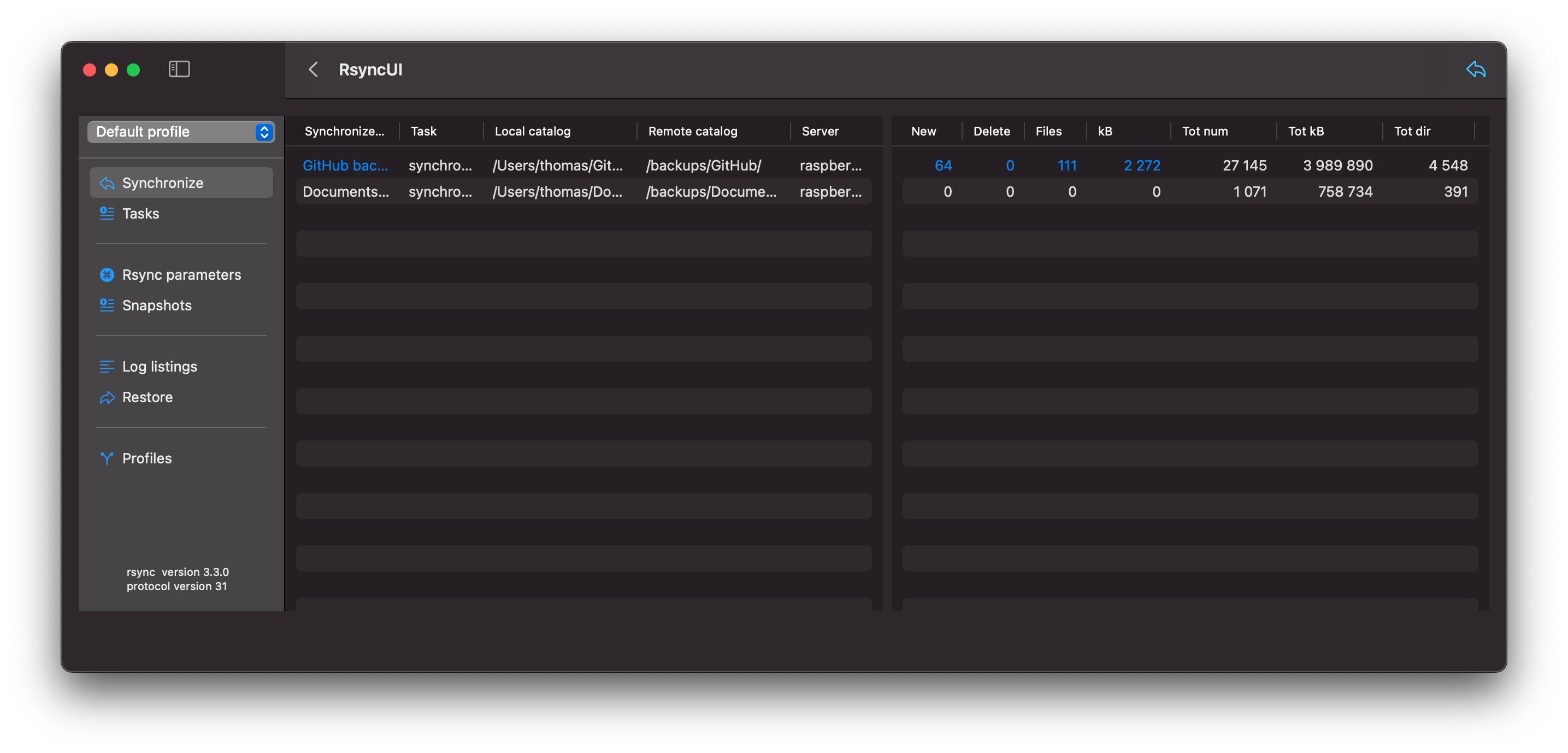
The estimate displays with blue numbers indicating data to be synchronized. To synchronize from the summarized estimate view, press the left arrow (shortcut ⌘R) on the toolbar.
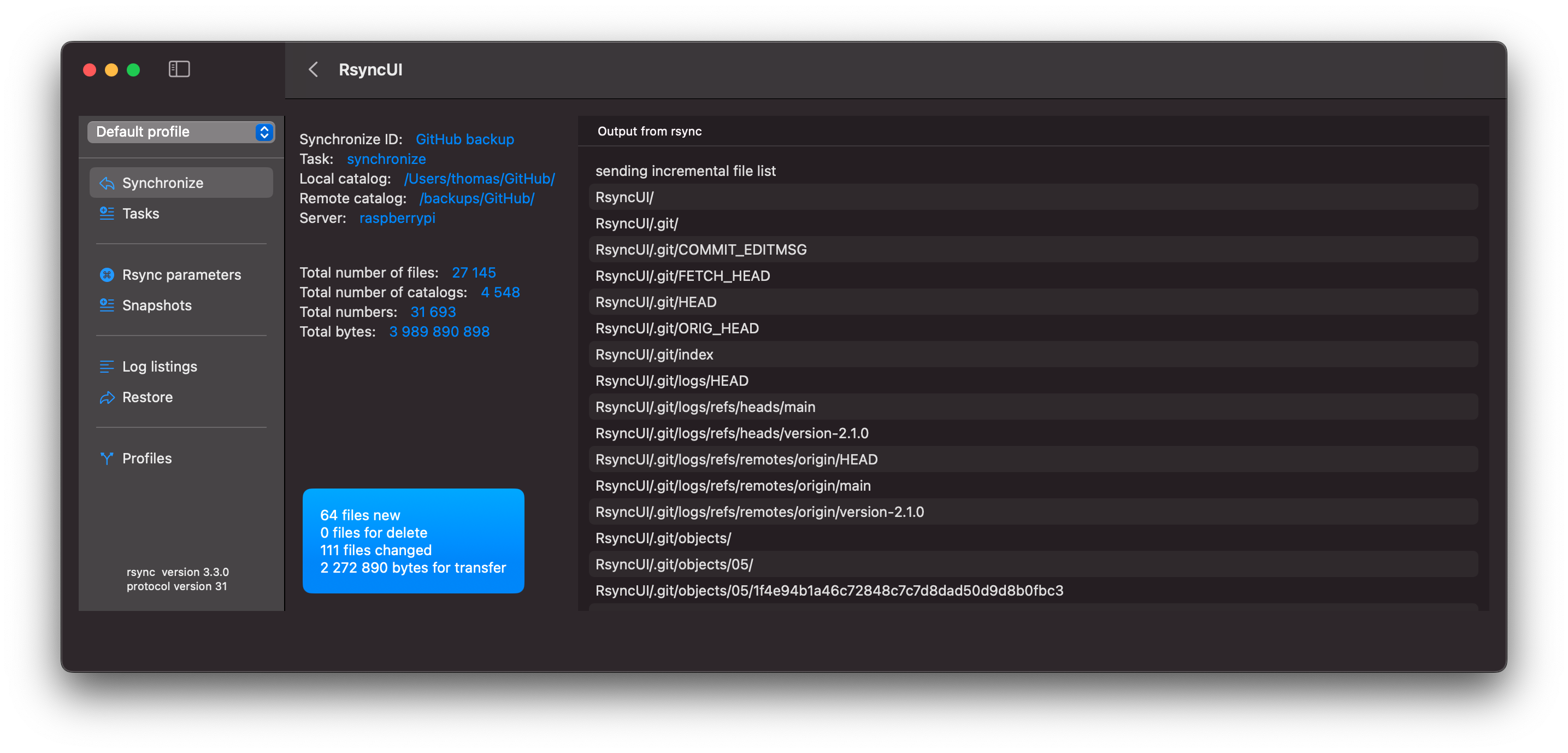
By selecting a row within the estimate view, you will be presented with detailed information about that task.
The output from rsync is as follows due to the addition of parameters to rsync. Refer to the blog post titled “Verify Remote” for further details. The parameters cause rsync to output more data.
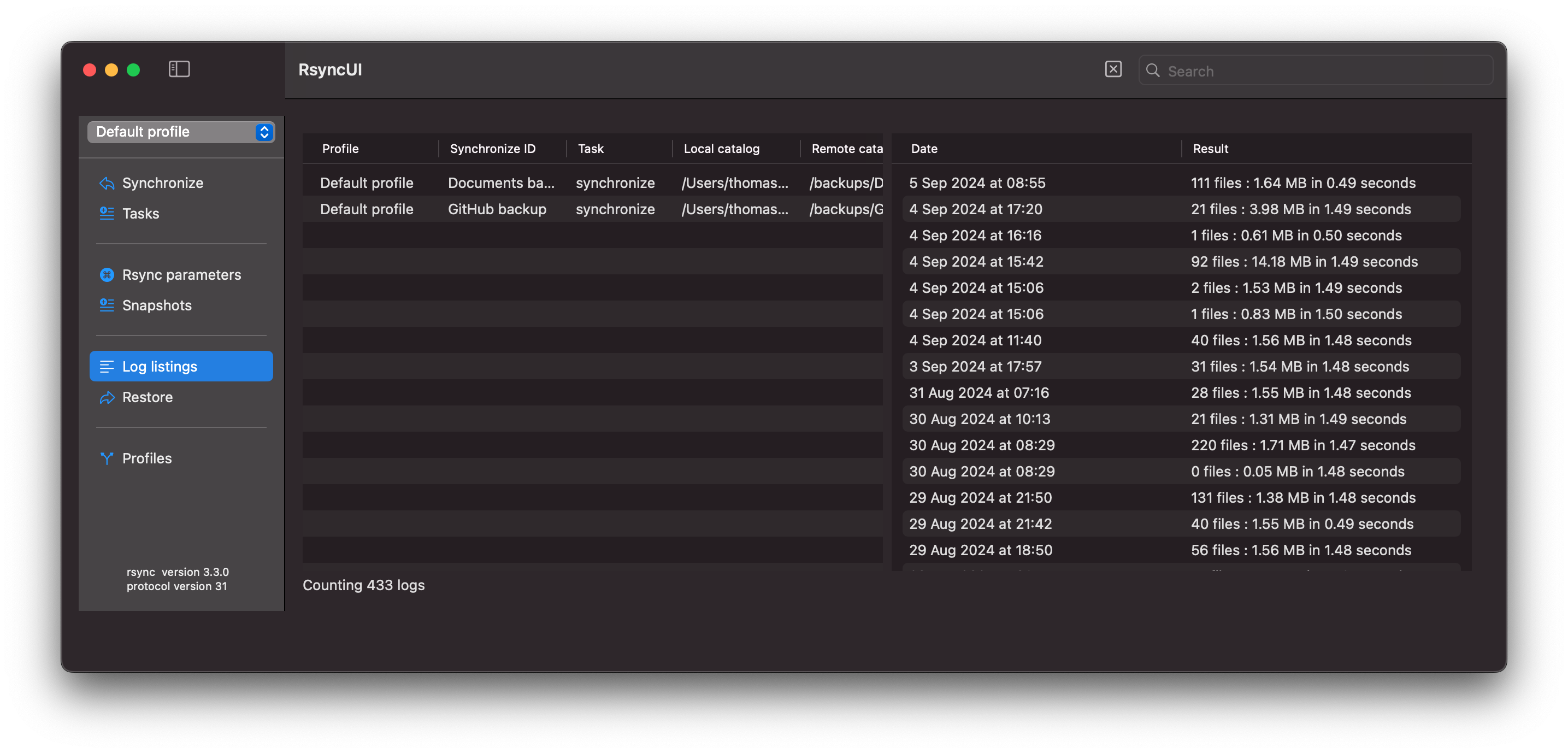
After execution, the logs are updated.
Feedback
Was this page helpful?
Glad to hear it! Please tell us how we can improve.
Sorry to hear that. Please tell us how we can improve.