Passwordless login
Categories:
To synchronize to a remote server using RsyncUI, passwordless SSH key authentication is required. RsyncUI does not support password-based authentication. SSH keys are generally more secure than passwords.
If default values for RSA-based SSH keys are used, no additional SSH info is needed in RsyncUI. Custom SSH keypaths, identity files, or port numbers must be configured.
The SSH keypath and identity file are specified as follows:
-e "ssh -i ~/.keypath/identityfile -p NN"
where:
-i ~/.keypath/identityfileis the SSH keypath and identity file-p NNis the port number used for communication (default port 22)
To use custom SSH key and keypath data, add the following information to RsyncUI in the settings:
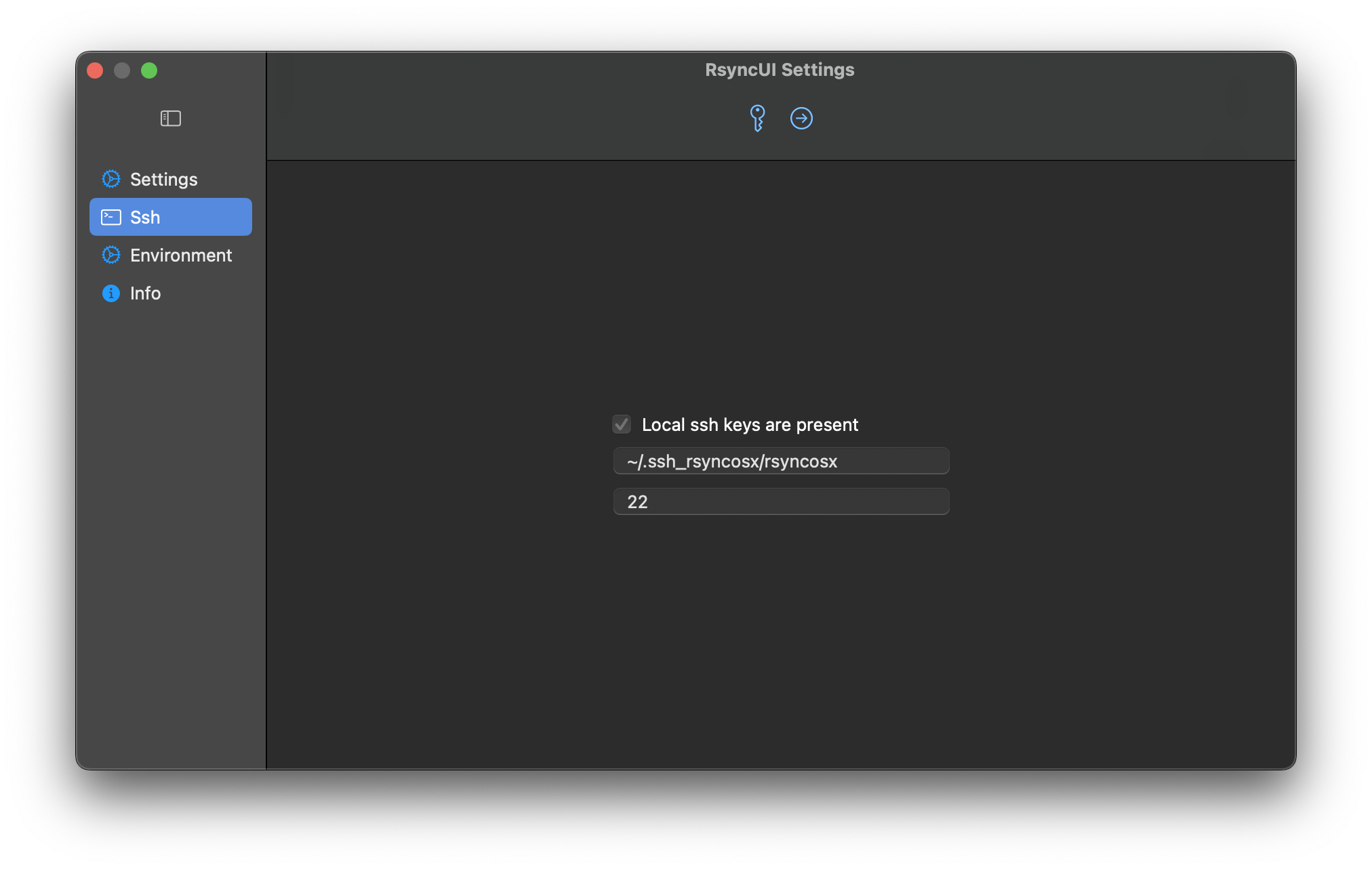
To configure the SSH keypath and identity file, refer to the user configuration in the SSH settings. When enabling a custom SSH keypath and identity file, ensure they follow this format:
~/.mynewsshdirectory/mynewkey
For example:
~/.ssh_rsyncosx/rsyncosx
The path must start with ~ followed by /. RsyncUI will verify that the SSH keypath begins with ~ and contains at least two forward slashes (/) before saving the new SSH keypath.
The rsync command to synchronize my Documents directory to my Raspberry Pi server is set by RsyncUI as:
/opt/homebrew/bin/rsync --archive --verbose --compress \
-e "ssh -i ~/.ssh_rsyncosx/rsyncosx -p 22" --stats \
/Users/thomas/Documents/ thomas@raspberrypi:/backups/Documents/
For more information on passwordless login, please refer to the Tools for passwordless login section.
Feedback
Was this page helpful?
Glad to hear it! Please tell us how we can improve.
Sorry to hear that. Please tell us how we can improve.